
Status
Status lets players say whether they are up for roleplay. A new game offers two statuses:
lfrp: looking for roleplay now.rp_ok: not looking, but glad to be asked.
A status shows in the Status column of +who and in a list of everyone who has one. Staff
can change how long each lasts, add statuses of their own, or take them away, with
+config status/statuses.
| You are | You want to | Read |
|---|---|---|
| A player | say you are up for a scene | Setting a status |
| A player | find someone to play with | Who has a status |
| A moderator | clear a status | Moderating |
| Staff | install it, change how long a status lasts, add statuses | Running Status |
In the game, +help status has the same commands in short form. To hear when the people you
play with connect, see the watch list.
What you type is kept exactly as you typed it. Brackets, percent signs and semicolons are
plain text, so +status/note Short scenes; no combat [OOC] stores just that.
Setting a status
Section titled “Setting a status”+status on its own shows your status, if you have one, and every status you can choose:
> +status[STATUS] You have no status.═════════════════════════════════╡ Statuses ╞═════════════════════════════════Name Means Lastslfrp Looking for roleplay now. 4h or logoffrp_ok Not looking, but glad to be asked. until changed══════════════════════╡ +status <name>=<line> sets one ╞══════════════════════+status <name> chooses one. A line after = says more, in a sentence others can read at a
glance:
> +status lfrp=Stacking wood by the mill, glad of company[STATUS] Done: Your status: LFRP: Stacking wood by the mill, glad of companyIt lasts 4 hours or until you log off. +status/note adds an OOC note, +status/place where to find you, and +status/off ends it.> +status rp_ok=Ask me about the harbour strike[STATUS] Done: Your status: RP OK: Ask me about the harbour strikeIt lasts until you change it. +status/note adds an OOC note, +status/place where to find you, and +status/off ends it.The line is optional: +status rp_ok is enough. Two more things can go with a status:
+status/note <text>adds an OOC note: what kind of scene, how long you have, what you would rather not play.+status/place <text>says where to find you.+status/place hereshows the room you are standing in, and follows you as you move.
> +status/note Short scenes tonight; happy to play a newcomer.[STATUS] Done: Your note: Short scenes tonight; happy to play a newcomer.> +status/place here[STATUS] Done: Others see where you are standing, wherever you go.Leave the text out to clear either one: +status/note on its own clears the note. Choosing
another status clears both.
How long it lasts
Section titled “How long it lasts”lfrp lasts four hours from the last time you changed it, and ends when you log off.
Changing your line, note or place starts the four hours again. rp_ok lasts until you change
it, even across logins. +status/off clears either one. These are a new game’s defaults:
+status shows how long each lasts on yours.
Who has a status
Section titled “Who has a status”+status/list lists everyone connected who has a status, the least idle first.
+status/list lfrp lists only those looking for roleplay:
> +status/list═════════════════════════════════╡ Statuses ╞═════════════════════════════════Name Status Where IdleTomas LFRP: Looking for a smuggler to hire - 0sIlse RP OK: Ask me about the harbour strike - 1sMira LFRP: Stacking wood by the mill, glad of company The Old Mill 4s═════════════════════╡ +status/show <name> shows a note ╞═════════════════════+status/show <name> shows one status with its note. +status/show on its own shows yours.
> +status/show Mira═══════════════════════════════════╡ Mira ╞═══════════════════════════════════Status: LFRP: Stacking wood by the mill, glad of companyNote: Short scenes tonight; happy to play a newcomer.Where: The Old MillSince: 8s agoIdle: 7s══════════════════════════════════════════════════════════════════════════════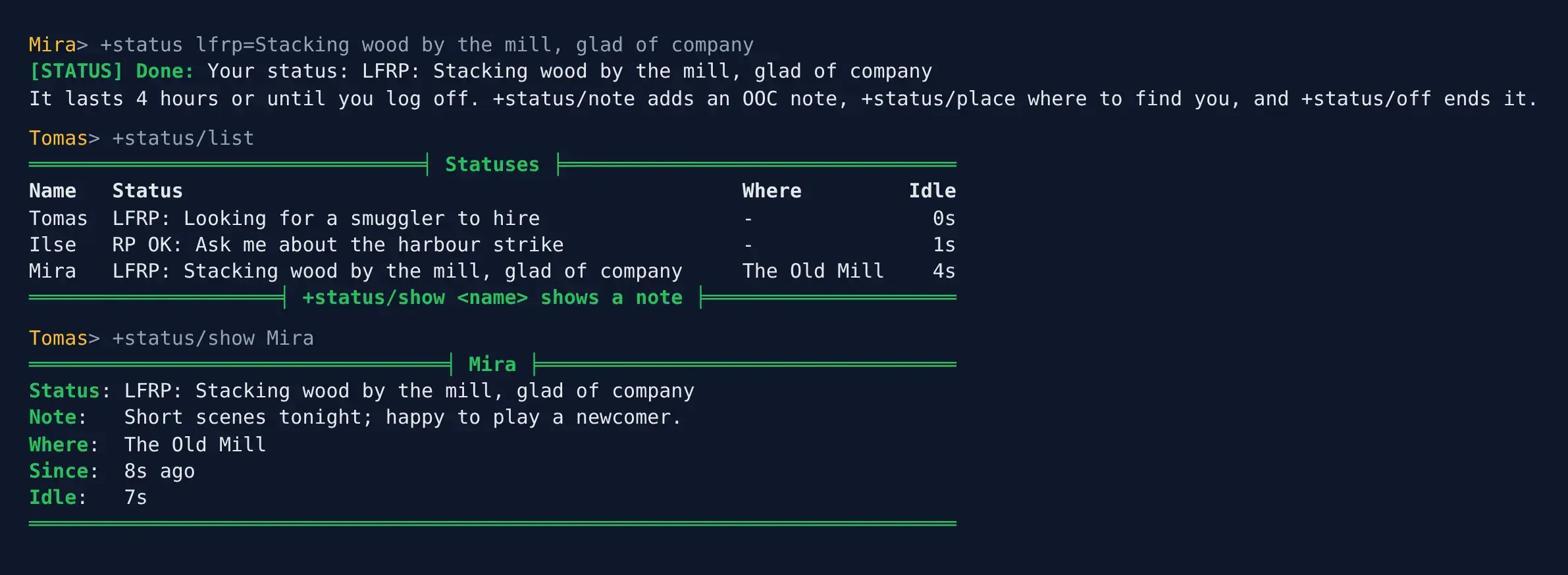
The list shows only players you could see in WHO, so a hidden player’s status stays
hidden from you. A long list comes in pages: +status/list/2, or +status/list/2 lfrp.
In +who
Section titled “In +who”Your status shows in the Status column of +who, cut to 40 characters:
> +who╔══════════════════════════════╡ Who's Online ╞══════════════════════════════╗║ Name Alias Idle Conn G Location Status ║║ -------------------------------------------------------------------------- ║║ God 25s 30s ? Room Zero ║║ Ilse 7s 18s ? The Harbour RP OK: Ask me about the harbour ║║ strike ║║ Mira 10s 24s ? The Old Mill LFRP: Stacking wood by the ║║ mill, glad... ║║ Tomas 0s 21s ? The Harbour LFRP: Looking for a smuggler to ║║ hire ║╠════════════════════════════════════════════════════════════════════════════╣║ 4 connected ║╚════════════════════════════════════════════════════════════════════════════╝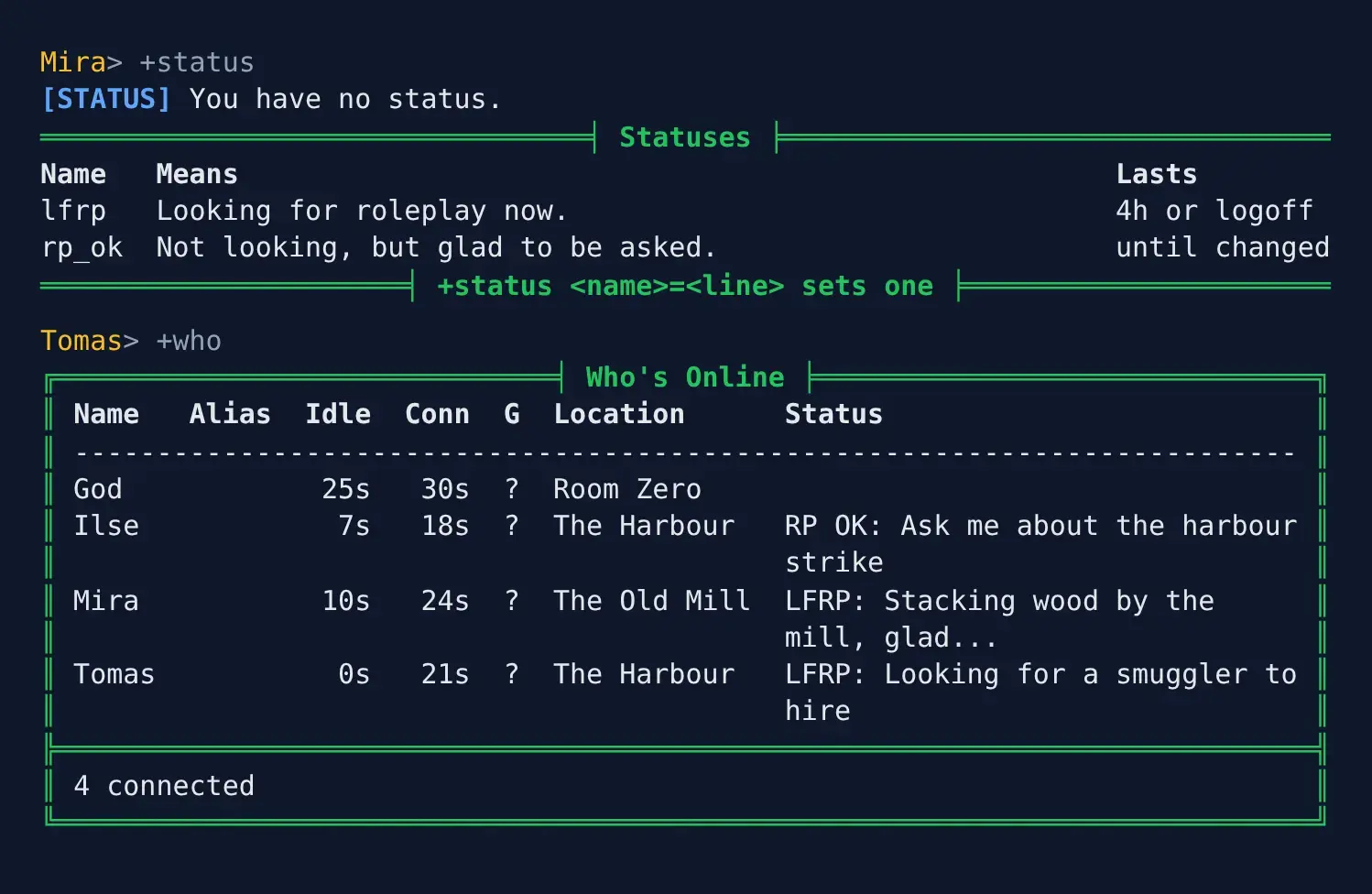
Moderating
Section titled “Moderating”Players with the Status Moderator role look after statuses:
+status/off <name>clears someone’s status. The player is told who cleared it.
> +status/off Ilse[STATUS] Done: Ilse's status is cleared.Ilse hears:
[STATUS] Tomas cleared your status.Anyone else who tries is refused with Only a status moderator can clear someone else's status.
Running Status
Section titled “Running Status”Installing
Section titled “Installing”Status ships with the server but is not installed on a new game. An administrator installs it from the portal:
- Open Packages in the admin area and choose Browse.
- Install
who-where, which gives+whoand+where. - Install
status. It needswho-where,plus-helpandplus-config; a new game already has the last two.
It adds the command +status for everyone. It is a game command, which is matched before
softcode $-commands, so a +status your game already has in softcode stops running once
the package is in.
See Softcode Packages for how installing, upgrading and rolling back work.
The package adds the Status Moderator role (status-moderator), in a category of its
own called Status. Give it with @role/assign:
> @role/assign *Tomas=status-moderatorTomas now holds status-moderator.To let one player moderate without the role, allow them the permission instead:
@permission/allow *Tomas=softcode.status.moderate.
Changing the statuses
Section titled “Changing the statuses”The statuses on offer are a table setting, statuses. Staff who can change
the game’s configuration (the config.admin permission) change them with +config. +status shows
them a line saying so under the list.
| Type | To |
|---|---|
+config status/statuses | list the statuses and their fields |
+config status/statuses/<name> | show one status in full |
+config status/statuses/<name>/lasts=<time> | set how long it lasts from when it is set, such as 4h; 0 lasts until it is changed, and a week is the most |
+config status/statuses/<name>/logoff=on | end it at logoff; =off keeps it |
+config status/statuses/<name>/tag=<text> | set what +who and the list show, up to 20 characters |
+config status/statuses/<name>/means=<text> | set what +status says it means |
+config/add status/statuses/<name>=<what it means> | add a status, lasting until it is changed |
+config/remove status/statuses/<name> | take a status away, and from everyone who has it |
A name is one word of up to 20 letters, digits and _, and a player types it in any case.
For example, to make lfrp last six hours, keep rp_ok only until logoff, and add a status
for a scene others may join that lasts two hours:
> +config status/statuses/lfrp/lasts=6h[CONFIG] Done: status/statuses/lfrp/lasts is now 6h, was 4h.> +config status/statuses/rp_ok/logoff=on[CONFIG] Done: status/statuses/rp_ok/logoff is now yes, was no.> +config/add status/statuses/scene=In a scene, but come and join.[CONFIG] Done: Added status/statuses/scene. +config status/statuses/scene shows it.> +config status/statuses/scene/lasts=2h[CONFIG] Done: status/statuses/scene/lasts is now 2h, was 0s.> +config status/statuses/scene/tag=Open scene[CONFIG] Done: status/statuses/scene/tag is now Open scene, was none.> +status[STATUS] You have no status.═════════════════════════════════╡ Statuses ╞═════════════════════════════════Name Means Lastslfrp Looking for roleplay now. 6h or logoffrp_ok Not looking, but glad to be asked. until logoffscene In a scene, but come and join. 2h══════════════════════╡ +status <name>=<line> sets one ╞══════════════════════Staff: +config status/statuses changes them. +help status staff has the rest.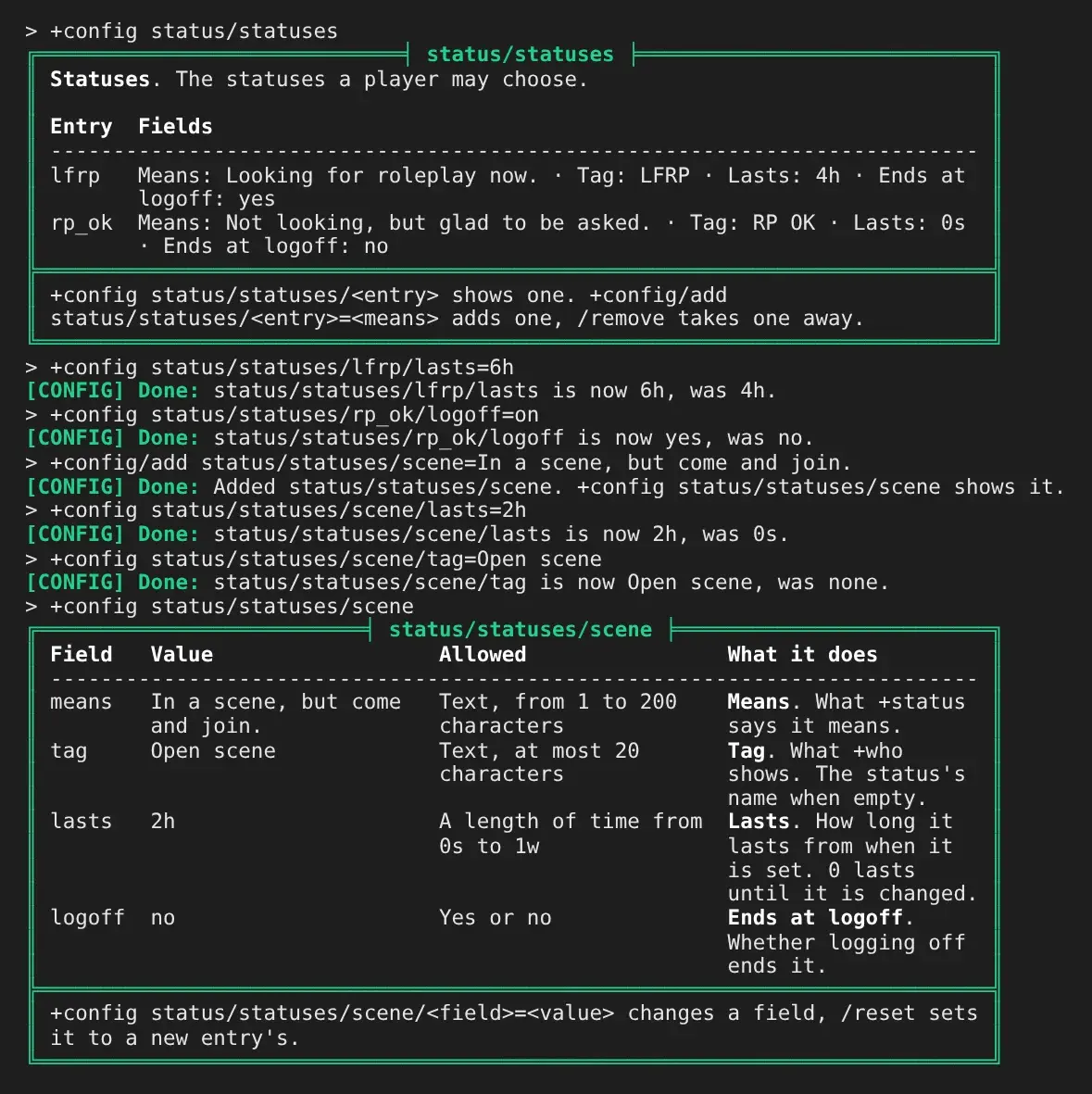
A player then picks it like any other. Anyone else who tries to change the statuses is refused, and removing a status clears it from everyone who has it:
> +status scene=Card game at the Harbour inn[STATUS] Done: Your status: Open scene: Card game at the Harbour innIt lasts 2 hours. +status/note adds an OOC note, +status/place where to find you, and +status/off ends it.> +config status/statuses/scene/lasts=1h[CONFIG] Error: Changing status/statuses needs the config.admin permission.> +config/remove status/statuses/scene[CONFIG] Done: Removed status/statuses/scene.[STATUS] Done: Cleared scene from 1 player.
/reset on a field puts back what a new status gets (lasts 0, logoff off), not the value the
package installed. The statuses are kept on the Status Store, inside the Status object in the
master room, as STATUS`<NAME> with TAG, LASTS (in seconds) and LOGOFF beneath it.
Settings
Section titled “Settings”+config status lists the settings and +config status/<setting>=<value> changes one, with the
config.admin permission. See Game Settings with +config.
| Setting | What it is | Default |
|---|---|---|
line-length | The longest line after =, in characters, up to 400. | 100 |
note-length | The longest note, up to 2000. | 400 |
place-length | The longest place, up to 200. | 60 |
list-footer | A line shown under +status/list. | none |
If your game has the bulletin boards, their Public board has a
Looking for RP board for longer requests. list-footer sends players there:
> +config status/list-footer=Longer requests: +bbread public/looking[CONFIG] Done: status/list-footer is now Longer requests: +bbread public/looking, was none.> +status/list═════════════════════════════════╡ Statuses ╞═════════════════════════════════Name Status Where IdleMortal LFRP: Card game at the Harbour inn - 0s═════════════════════╡ +status/show <name> shows a note ╞═════════════════════Longer requests: +bbread public/lookingOther statuses in +who
Section titled “Other statuses in +who”Status adds its own filter, FILTER`WHO`STATUS`STATUS, which shows the player’s status or
passes %0 on; see Adding to the Status column.