
Case files
A case file is one wiki page built around a plot, filed in the Case Files category. It opens with a briefing, which a newcomer reads first. Its Developments section records what happened, newest first, and its Scenes section lists the scenes played for it. Only its members, and staff with the wiki.admin permission, can read it. Everyone else finds nothing: it is not listed, searched or shown anywhere.
| You want to | Read |
|---|---|
| turn case files on | Installing |
| open a case file for a plot | Opening a case file |
| let people in, or take them out | Members |
| post what happened | Developments |
| file a scene into a case file | Scenes |
| catch up on a plot | Reading a case file |
The examples follow Harbour Fire, a plot about a warehouse fire. Marta runs it, Ines writes in it, and everyone with the City Watch role may read it.
Installing
Section titled “Installing”Case files come as four packages. Install them from Packages in Build & manage:
| Package | Adds |
|---|---|
| casefiles | +casefile and its help |
| casefiles-app | the Case files page in the portal, under Play |
| casefiles-scene | +casefile/scene and a line on the +scene card. Needs the Scene System |
| casefiles-help | +casefile in +help. Needs the plus-help package |
Opening a case file
Section titled “Opening a case file”In the portal, open Case files and fill in Open a case file: a title and a briefing. It becomes a page in the Case Files category, and you become its lead. In the game:
> +casefile/create Harbour Fire=Who set the fire at the east docks, and why.[CASEFILE] Done: Opened Harbour Fire. You are its lead. Let people in with +casefile/add Harbour Fire=<player>.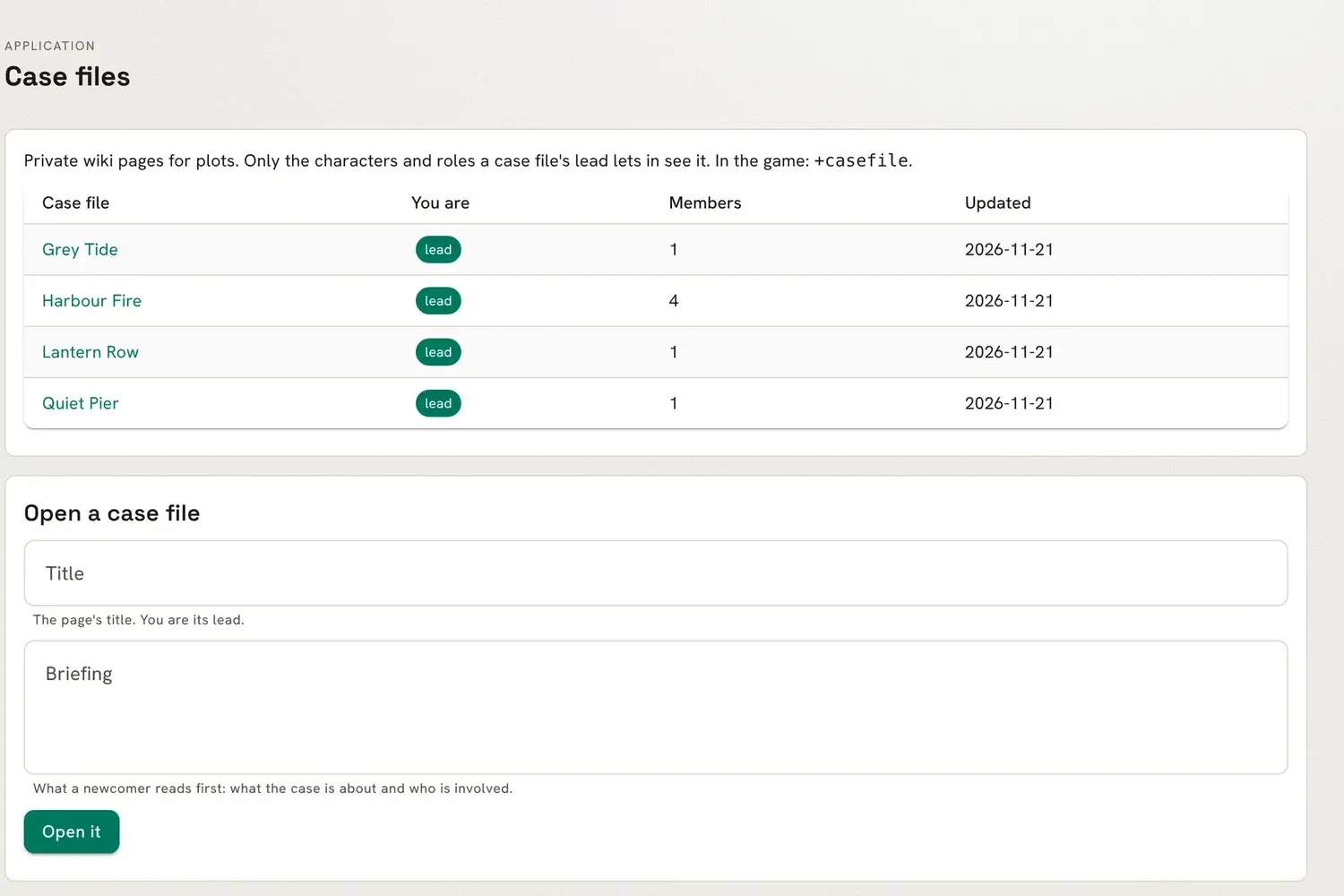
Opening one needs the wiki.create permission and a title no other page has.
Members
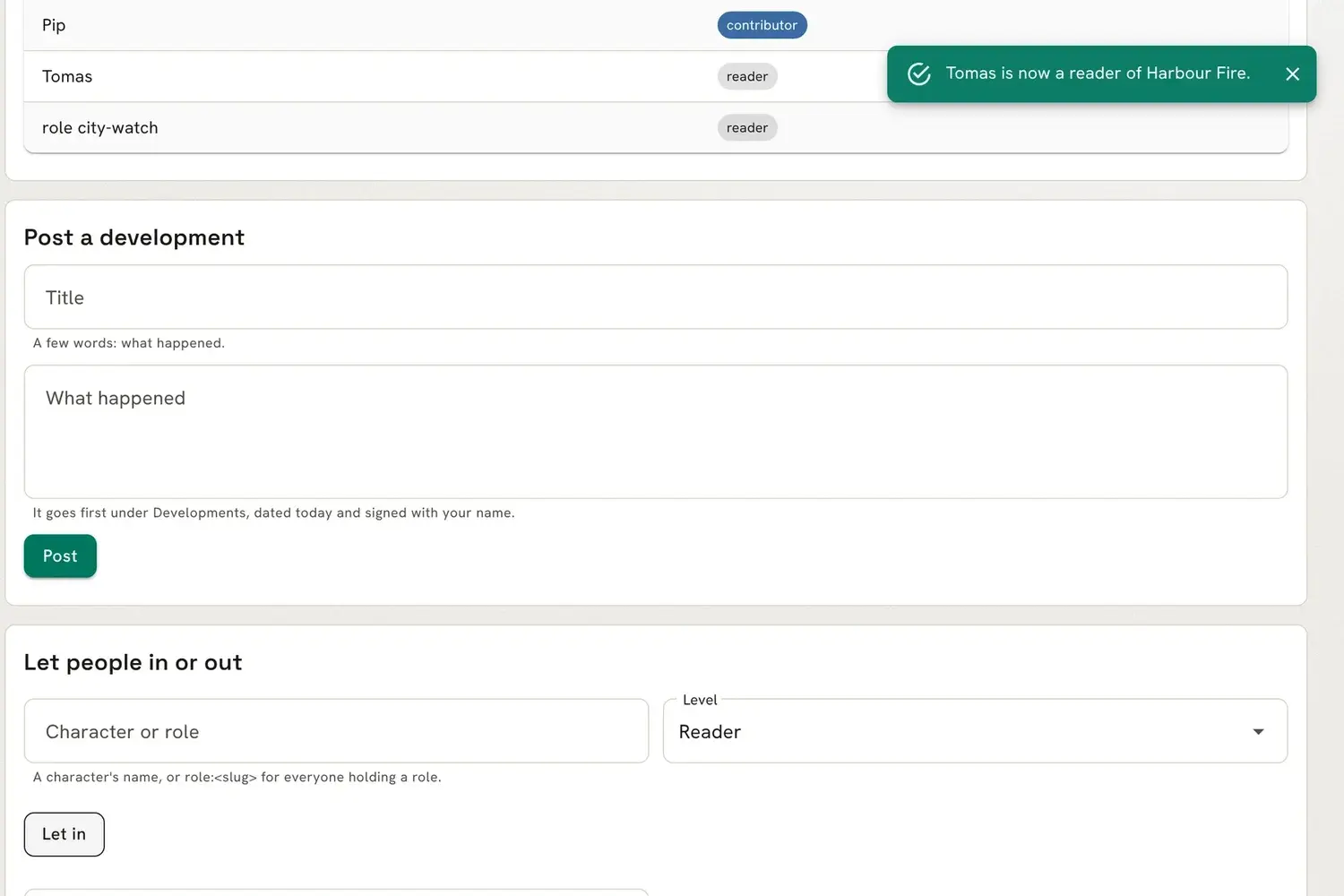
Section titled “Members”A member is a character or a role. Adding a role lets in every character who holds it, now and later, so a case file needs no role or permission of its own. Each member has a level:
| Level | May |
|---|---|
| reader | read the page |
| contributor | also post developments and file scenes |
| lead | also let people in and out, and change levels |
A lead sees a Let people in or out form under the page. Type a character’s name, or role: and a role,
such as role:city-watch, pick a level and press Let in. Take out removes a member. A case
file always keeps at least one character as its lead.
In the game:
> +casefile/add Harbour Fire=Ines/contributor[CASEFILE] Done: Ines is now a contributor of Harbour Fire.> +casefile/add Harbour Fire=role:city-watch[CASEFILE] Done: Everyone with the city-watch role is now a reader of Harbour Fire.> +casefile/remove Harbour Fire=Marta[CASEFILE] Warning: A case file keeps at least one character as its lead. Name another lead first.Membership never lets anyone do more than the wiki’s own permissions allow. A contributor who lacks wiki.edit cannot post.
Developments
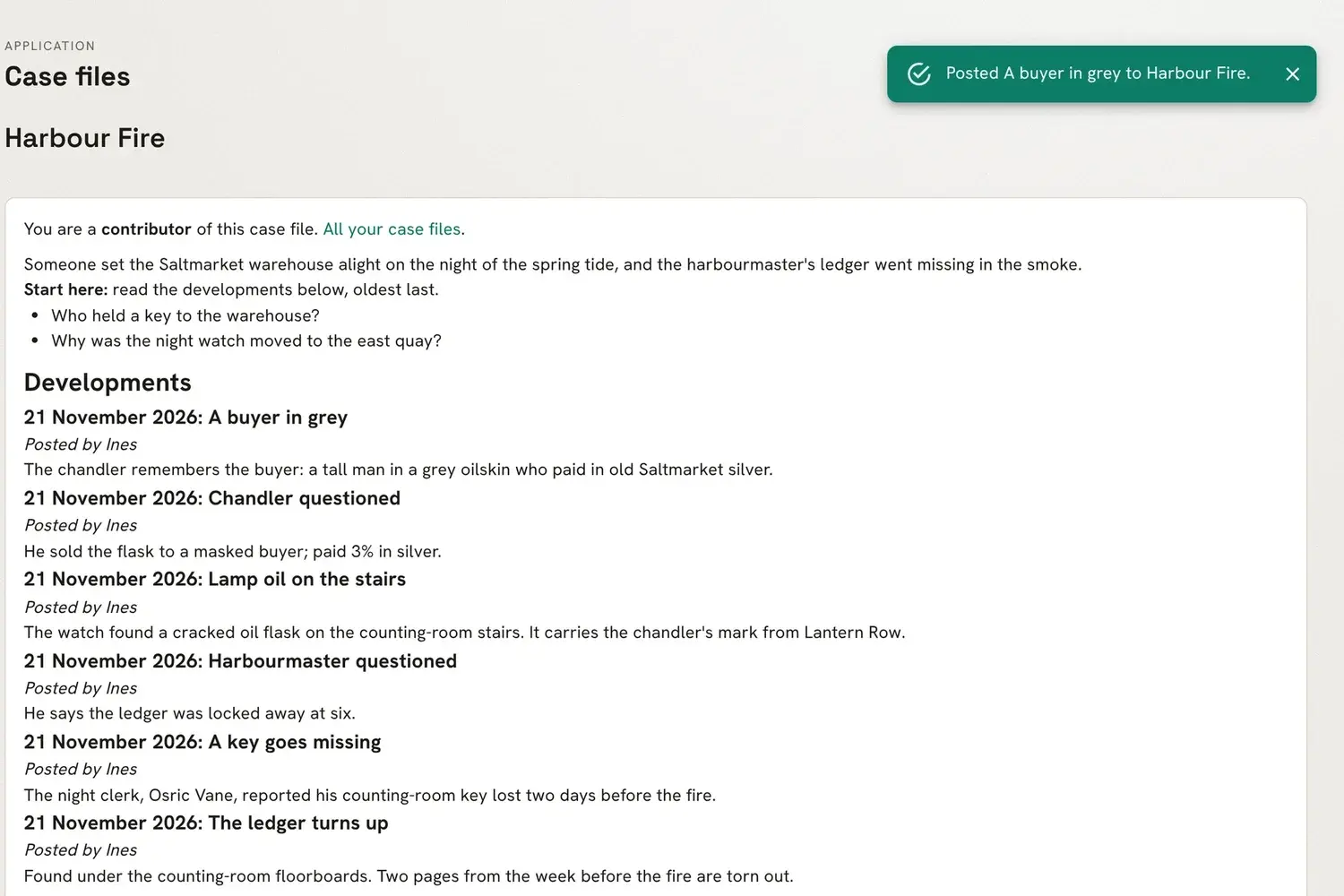
Section titled “Developments”To record what happened, fill in Post a development on the case file: a few words for the title, and what happened. The entry goes first under the page’s Developments heading, dated and signed.
In the game:
> +casefile/post Harbour Fire=Lamp oil on the stairs/The watch found a cracked oil flask on the counting-room stairs.[CASEFILE] Done: Posted Lamp oil on the stairs to Harbour Fire.What you type in the game is evaluated as you, as say is. To keep [, ] or % as they are, put
a \ before each.
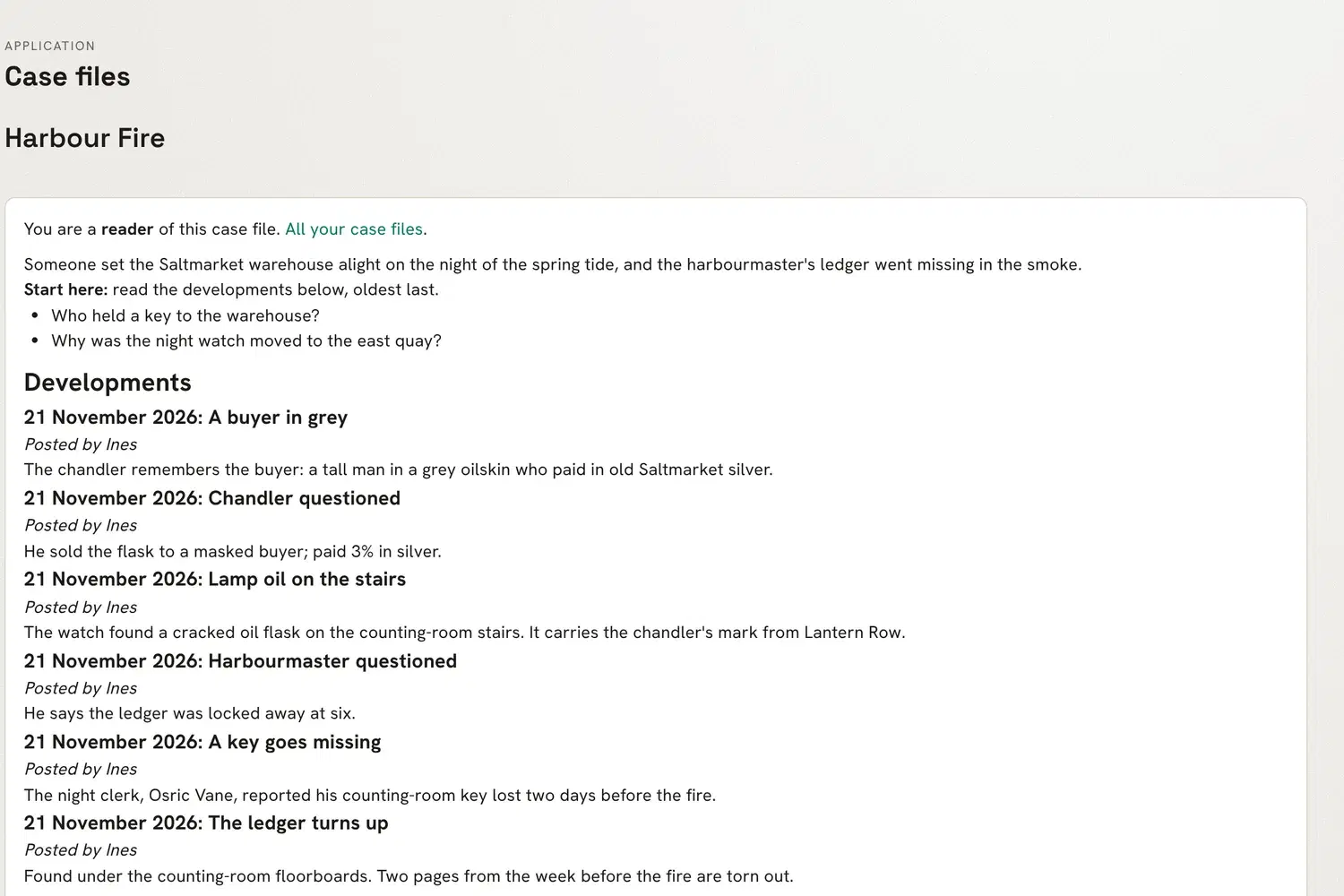
The case file shows the whole page: the briefing, then the developments, newest first, each dated and signed.
+casefile/history <case file> shows every post and change: who made it and when.
Scenes
Section titled “Scenes”With casefiles-scene installed, a contributor or lead files a scene into a case file: one they were in, or a public one.
> +casefile/scene Harbour Fire=1[CASEFILE] Done: Added scene 1 to Harbour Fire.> +casefile/scene Harbour Fire=1[CASEFILE] Warning: Scene 1 is already in Harbour Fire.The scene goes first under the page’s Scenes heading, linked to its log.
The scene’s +scene card ends with the case files it is in, shown only to their members:
> +scene 1======================< Scene 1: Smoke over Saltmarket >======================...Owner Ines 1Case file: Harbour Fire==============================================================================Who may read the scene’s log is still up to the Scene System, not the case file.
Reading a case file
Section titled “Reading a case file”Readers see the same case file without the forms: the page, its scenes, and who is in it.
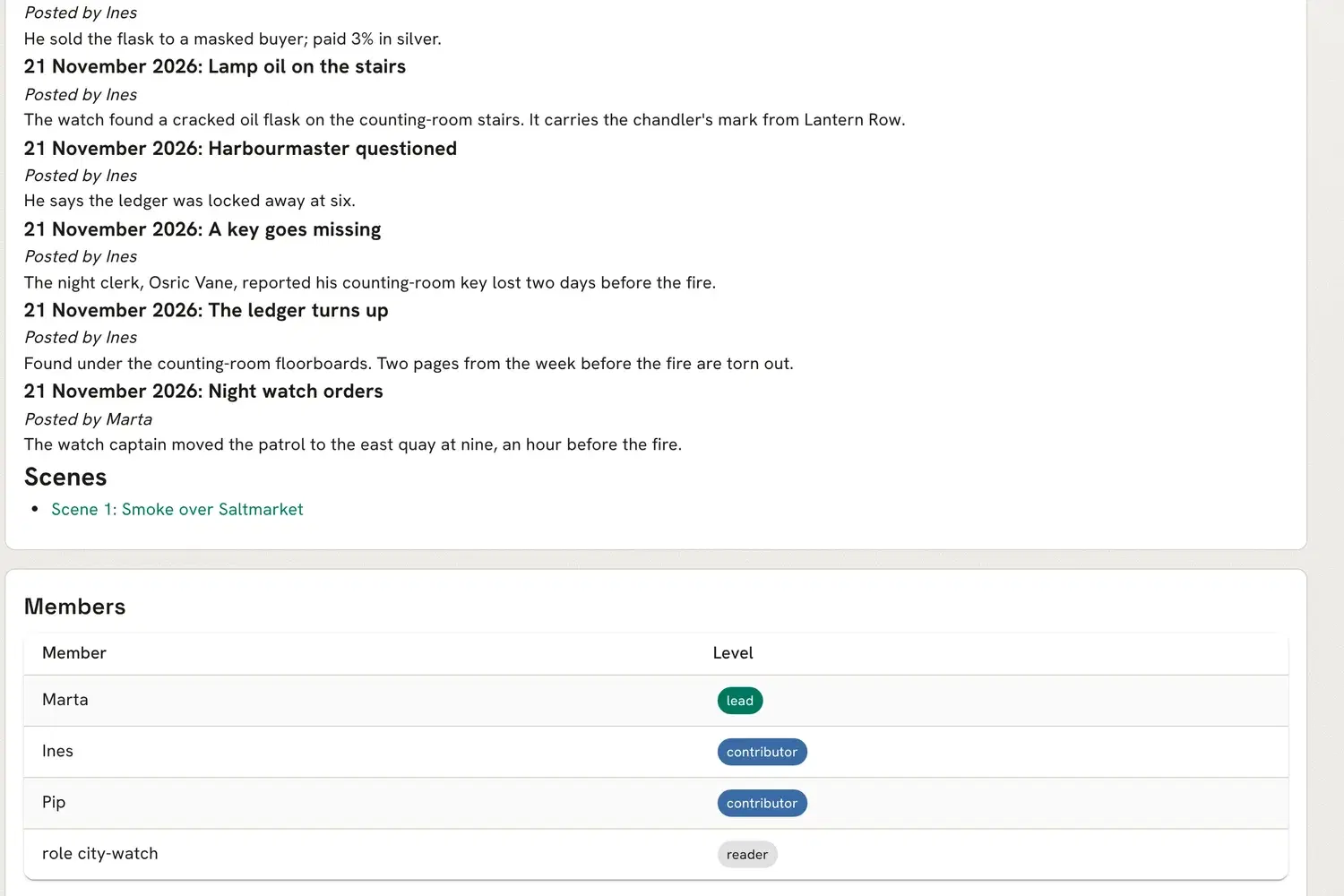
+casefile lists your case files, and +casefile <case file> reads one: the page, your level and
who is in it. A reader who tries to post is refused:
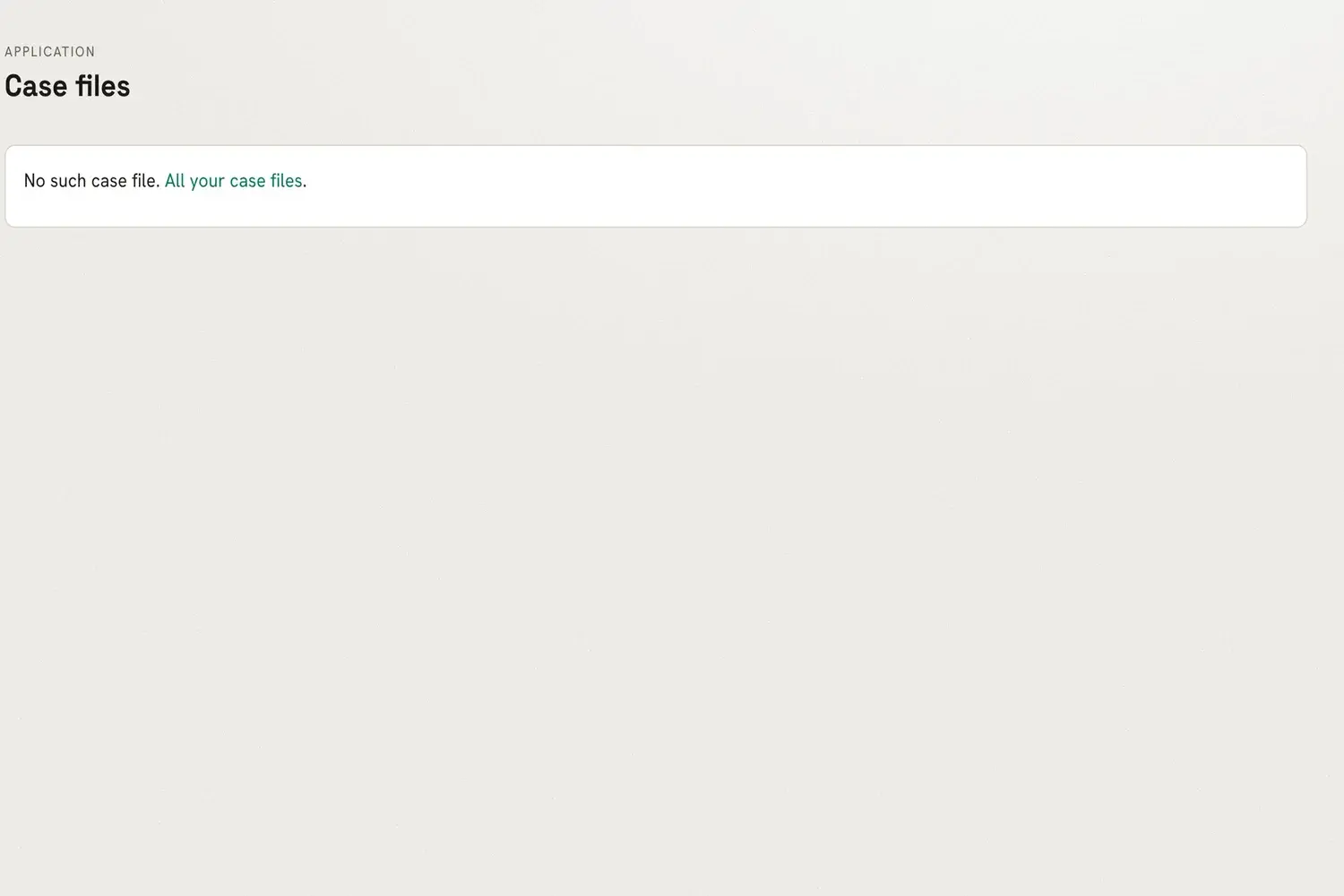
> +casefile/post Harbour Fire=Saw it/I was there.[CASEFILE] Warning: Permission denied. Posting a development needs a contributor or lead of the case file.Someone outside the case file who follows a link to it is told there is no such case file, and its wiki page looks like a page that does not exist. If they try to open a case file with its title, they are told only that the title is taken.
Staff with wiki.admin see every case file and act as a lead in each. See +help casefile in the game
for every switch.